ROB RUN performance: settings that actually raise FPS
Where the frame time goes in a city full of players, and the settings worth changing first.
Lower shadows, draw distance and crowd/vehicle density first — they are the expensive parts of a populated city. Keep textures high if you have VRAM. Install on an SSD, close background capture software, and expect network stutter during peak hours or DDoS events.
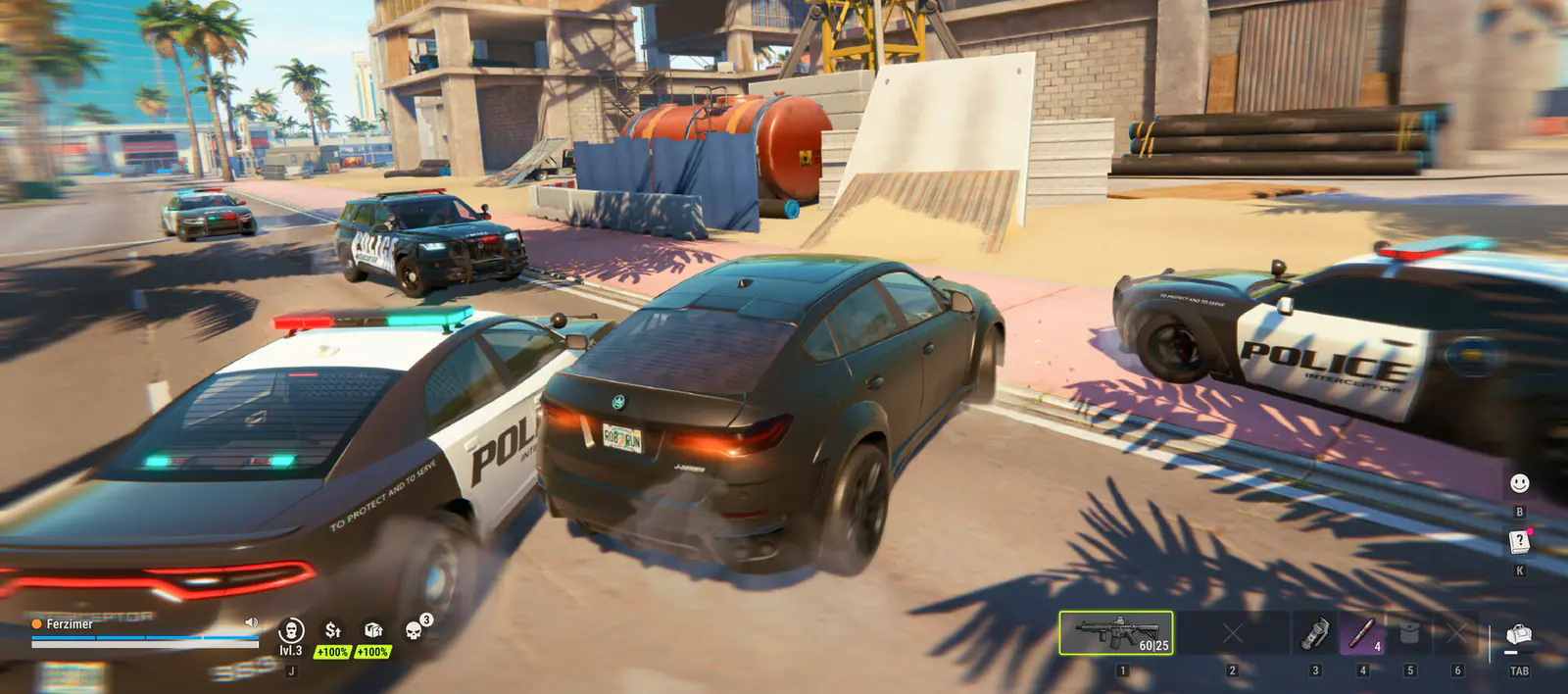
ROB RUN is an online city with dozens of players, vehicles and loot containers in view. The frame cost is not in one dramatic effect; it is in the number of things the CPU has to track. That is why the settings that help most are the ones that reduce how much the game draws and simulates.
The order to change settings
| Setting | Effect on FPS | Effect on visibility | Recommendation |
|---|---|---|---|
| Shadows | High | Low — shadows help little in a firefight | Lower first |
| Draw distance / view distance | High | Medium — you need to see players, not trees | Medium |
| Foliage / clutter density | High | Low | Low |
| Vehicle density (if present) | Medium | Low | Low |
| Textures | VRAM-bound | High | High if you have 8 GB+ VRAM |
| Anti-aliasing | Medium | Low | TAA/low if available |
| Motion blur | Low | Negative — hides movement | Off |
General engine behaviour, not a benchmark. ROB RUN has no published performance guide from Kefir.
Stutter versus low FPS
- Constant low FPS — a settings or hardware problem. Lower the table above.
- Stutter when entering a new area — asset streaming. An SSD and more RAM help; a slower drive will always hitch.
- Stutter in fights only — CPU or network. Check whether your ping spikes at the same moment.
- Rubber-banding and delayed hits — network, not graphics. Nothing in the settings menu fixes it.
The network layer
Two regions exist: EU and East US. Playing across an ocean adds latency that no graphics setting can fix, and in an extraction shooter the player with the better route wins the same fight. Choose the region you live in, even if your friends are elsewhere — then decide whether the social cost is worth the ping.
During the launch week Kefir confirmed repeated DDoS attacks causing “connection errors, lag, and other in-game issues”. If the whole server is lagging at once, that is the cause, and your PC is fine.
Windows-level checks
- Install the game on an SSD with at least 20 GB free plus headroom.
- Turn off GPU overlays and background recording — they cost frames and cause stutter in busy scenes.
- Set Windows power plan to High Performance and plug in a laptop.
- Update the GPU driver after each patch; a clean install if you have crashed repeatedly.
- Add the game folder and Easy Anti-Cheat to antivirus exclusions.
What “good” looks like
Kefir publishes no FPS targets or benchmarks. The honest expectation is that the recommended tier (RTX 2070 / RX 5700 XT, 16 GB RAM, i5-9600K) runs the game comfortably at 1080p, and the minimum tier runs it at reduced settings with longer loads. If you are below the minimum, no guide will make it smooth.
FAQ
How do I get more FPS in ROB RUN?
Lower shadows, draw distance and clutter first, keep textures high if you have VRAM, turn off motion blur, install on an SSD and close background capture software.
Why does ROB RUN stutter in fights?
If it only happens in fights, it is usually CPU or network. Check ping at the same moment; if it spikes, graphics settings will not help.
Is ROB RUN laggy because of my PC?
If every player on the server lags at once, it is server-side. Kefir confirmed DDoS attacks during launch week.
ROB RUN system requirements: the exact PC specs
Minimum and recommended specs as published by Kefir, plus what they actually mean for a 5,000-player sandbox.
ROB RUN stuck on compiling shaders or an infinite loading screen
First-launch shader work, the cache-clearing fix, and how to tell a slow PC from a broken server.
“Waiting for status information” in ROB RUN: what it means and how to fix it
The loading screen that hangs for a minute and dumps you back on the map — causes, fixes, and the error code table.